
What Is An MDAT File? The REW Measurement Format Explained

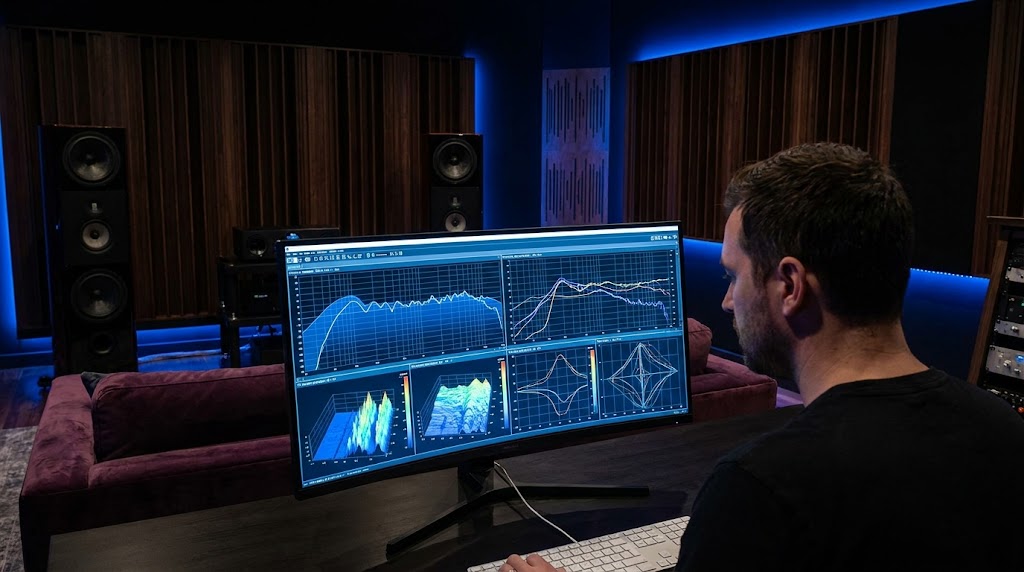
If You Use REW, You Need To Understand MDAT Files
If you have spent any time in audio forums asking for help with room measurements, you have probably been asked to upload your MDAT file.
For many beginners, this request is confusing.
You already posted a screenshot of your graph. Surely that is enough?
Usually it is not.
Understanding what an MDAT file is, what it contains, and why it matters is one of the most practical things you can learn as someone who measures their room.
This article explains everything you need to know.
This article is part of our comprehensive REW guide: REW Shows You The Problem. AudioBro Explains What To Do About It..
What Exactly Is An MDAT File?
MDAT is the native file format used by Room EQ Wizard (REW).
When you save your work in REW, it creates an MDAT file. The extension stands for Measurement Data.
Think of it as the complete project file for your measurement session.
Instead of saving just a picture of a graph, the MDAT file stores the underlying measurement data itself.
This means anyone who opens the file can:
- View the original measurements
- Change graph settings and smoothing
- Overlay multiple measurements
- Analyse phase, waterfall, and impulse response data
- Read measurement notes
- Re-process the data with different parameters
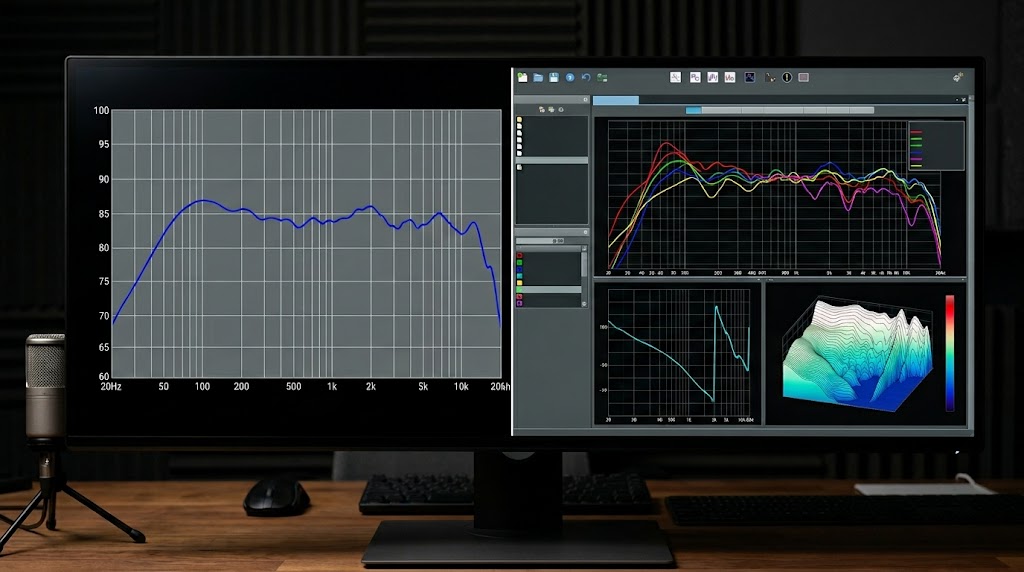
A screenshot only captures one specific view at one specific moment.
An MDAT file captures the evidence behind the view.
What An MDAT File Contains
A single MDAT file can contain a remarkable amount of information.
Frequency Response Data
The most common content. Each measurement captures the full frequency response at the measurement position, including level information across the audible spectrum.
Waterfall Data
Waterfall plots showing how sound energy decays over time are stored alongside frequency response data. This allows anyone reviewing the file to assess bass ringing and decay characteristics.
Phase Information
Phase response data is preserved, which is essential for diagnosing integration problems between speakers and subwoofers.
Impulse Response Data
The raw impulse response that underpins many other measurements is stored in the file. Advanced users can re-process this data to generate additional analyses.
RT60 Measurements
Reverberation time data may be included if RT60 measurements were captured during the session.
Measurement Notes
Any notes you added to measurements within REW are preserved. This is valuable for documenting measurement conditions, microphone positions, and other contextual information.
Project Settings
Calibration data, graph preferences, window settings, and other configuration information is stored in the file.
Why Screenshots Are Not Enough
This is the key point that many beginners miss.
Imagine two systems that both show a large dip at 80Hz on a frequency response graph.
The screenshots may look identical.
The causes may be completely different.
One system might be suffering from a room mode cancellation.
The other might be dealing with an SBIR null caused by speaker placement near a boundary.
The solution for each problem is different.
Room modes might require repositioning the subwoofer or adding a second one.
SBIR might require moving the speaker relative to the wall.
These are fundamentally different fixes for what looks like the same problem.
An MDAT file allows an experienced reviewer to:
- Examine the waterfall plot for ringing that indicates a room mode
- Check the phase response for integration issues
- Compare multiple measurements from different positions
- Assess whether the dip is consistent or position-dependent
- Review the impulse response for timing clues
None of this is possible from a screenshot alone.
This is why experienced users almost always request the MDAT rather than the screenshot.
How To Save An MDAT File In REW
Saving an MDAT file in REW is straightforward.
Save All Measurements
Go to File → Save All Measurements.
This saves every measurement in your current session into a single MDAT file. This is usually the best option when sharing with others or uploading for analysis.
Save A Single Measurement
Go to File → Save Measurement.
This saves only the currently selected measurement. Use this if you want to share a specific measurement without including all the others.
Export Options
REW also provides export options under File → Export for saving data in other formats. However, the MDAT format preserves the most information and is the preferred format for sharing.
Best Practices For MDAT Files
Include Multiple Measurements
A single measurement rarely tells the complete story. When saving an MDAT file for analysis or sharing, include measurements from multiple positions if you have them.
This provides a more representative picture of room behaviour.
Add Notes
REW allows you to add notes to individual measurements. Use this feature to document:
- Microphone position
- Speaker configuration
- Subwoofer settings
- Crossover frequency
- Any changes made between measurements
These notes are invaluable for anyone reviewing the data later, including yourself.
Use Meaningful Filenames
Instead of saving files as "measurement1.mdat" or "untitled.mdat", use descriptive names such as:
- "living-room-left-seat-2024-01-15.mdat"
- "basement-5.1.4-all-measurements.mdat"
This helps you and others identify the file later.
Save After Each Session
Make it a habit to save your MDAT file after each measurement session. REW does not auto-save, so if the application closes unexpectedly, your measurements may be lost.
Keep Original Files
If you make changes to measurements within REW, consider saving the original unmodified file as well. This preserves the raw data for future reference.

How AudioBro Uses MDAT Files
AudioBro can process MDAT files as part of its room analysis workflow.
When you upload an MDAT file, AudioBro:
- Extracts the measurement data
- Identifies key issues such as room modes, SBIR, and phase problems
- Prioritises the issues based on audible impact
- Provides specific, actionable recommendations
- Explains what each measurement means in plain language
This addresses the most common challenge that REW users face: understanding what their measurements actually mean and deciding what to fix first.
REW gives you the data. AudioBro helps you interpret it. For a detailed look at how these tools complement each other, see Room EQ Wizard vs AudioBro: Measurement vs Interpretation.
Common Questions About MDAT Files
Can I Open An MDAT File Without REW?
MDAT is a proprietary format designed for REW. While the underlying structure is accessible, REW is the primary tool for viewing and working with MDAT files.
AudioBro can also process MDAT files as part of room analysis.
How Large Are MDAT Files?
MDAT files are typically small, usually between 50KB and 2MB depending on the number of measurements and the amount of data captured. They are easy to share via email or forum attachments.
Is An MDAT File The Same As A Calibration File?
No. A calibration file (such as a UMIK-1 calibration file) contains microphone sensitivity data used to ensure accurate measurements. An MDAT file contains the measurement results themselves.
These are different files serving different purposes.
Can I Edit An MDAT File?
You can modify measurements within REW after loading an MDAT file, such as applying smoothing or adjusting graph settings. However, the raw measurement data itself should not be edited outside of REW as this could compromise data integrity.
What If My MDAT File Will Not Open?
If an MDAT file will not open in REW, it may have been created with a different version of REW. Try updating to the latest version. If the file is corrupted, there may be no way to recover the data, which is another reason to maintain backups.
Why Understanding MDAT Files Matters
If you are using REW to measure your room, understanding the MDAT format is not optional.
It is the mechanism by which you:
- Preserve your measurement data
- Share data with others for diagnosis
- Maintain records of your room's behaviour over time
- Enable tools like AudioBro to analyse your measurements
A screenshot is a snapshot.
An MDAT file is the complete picture.
The next time someone asks for your MDAT file on a forum, you will understand exactly why they are asking.
And more importantly, you will be able to provide it confidently, knowing that the file contains everything needed for an accurate and thorough analysis.
Related Reading
- REW Shows You The Problem. AudioBro Explains What To Do About It. — The complete guide to understanding REW measurements and turning data into better sound.
- Room EQ Wizard vs AudioBro: Measurement vs Interpretation — How measurement and interpretation work together to improve your room.
Ready to get more from your REW measurements?
Upload your MDAT file to AudioBro and get clear guidance on what matters, what can be ignored, and what to fix first.