Room EQ Wizard vs AudioBro: Measurement vs Interpretation
Two Tools, Two Different Jobs
If you have been researching room acoustics online, you have probably encountered both Room EQ Wizard (REW) and AudioBro.
A common question arises: are they competing products? Do you need both? Can one replace the other?
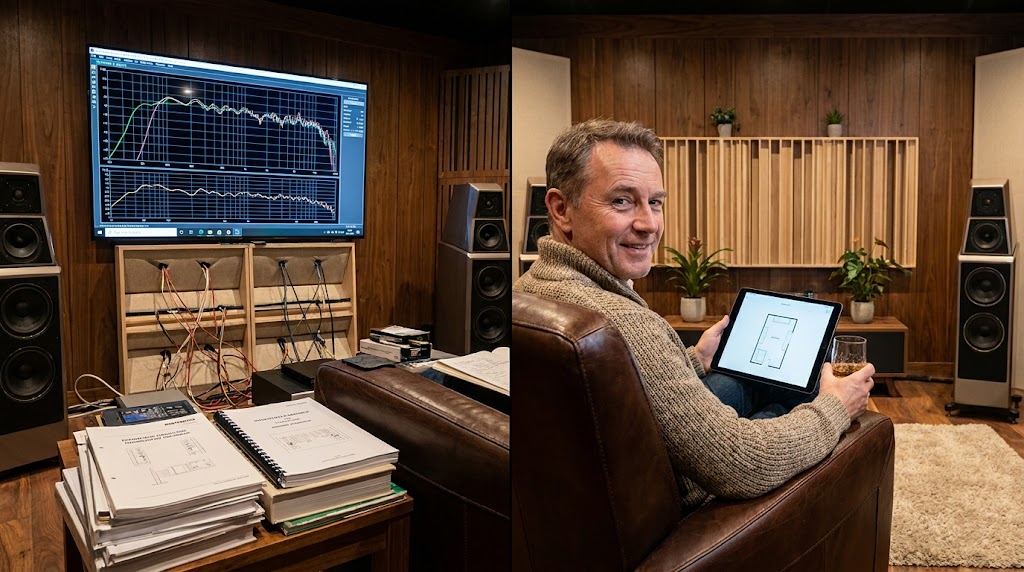
The short answer is that REW and AudioBro serve fundamentally different purposes.
REW captures acoustic measurements.
AudioBro interprets those measurements and tells you what to do about them.
They are not competitors. They are complementary tools that work best together.
Understanding the difference between measurement and interpretation is the first step toward getting better sound from your room.
What REW Does
Room EQ Wizard is one of the most widely used acoustic measurement tools in the world.
It is free, open-source, and available for Windows, macOS, and Linux. For a comprehensive guide to REW and what it reveals, see REW Shows You The Problem. AudioBro Explains What To Do About It..
REW uses a calibrated measurement microphone (such as the miniDSP UMIK-1) to capture detailed information about how your room and audio system behave.
REW's Core Capabilities
- Frequency Response Measurement: Captures how loud different frequencies are at the listening position
- Waterfall Plots: Shows how sound energy decays over time, revealing ringing and resonances
- Phase Response: Measures timing relationships between different drivers and speakers
- Impulse Response: Captures the raw timing data that underpins many other analyses
- RT60 Measurement: Measures reverberation time across frequency bands
- Distortion Measurement: Identifies harmonic distortion in speakers and electronics
- Room Simulation: Models room modes based on dimensions
- EQ Design: Helps design parametric EQ filters
These are powerful measurement capabilities that provide objective, quantitative data about room behaviour.
What REW Does Not Do
REW does not:
- Tell you which problems matter most
- Explain what a measurement means in plain language
- Recommend which fix to try first
- Prioritise issues based on audible impact
- Guide you through an optimisation workflow
- Help you decide between different solutions
REW provides the data. The interpretation is up to you.
What AudioBro Does
AudioBro operates at a different stage of the optimisation process.
Instead of capturing measurements, AudioBro interprets them.
AudioBro's Core Capabilities
- Measurement Interpretation: Analyses REW measurements, photos, room dimensions, and equipment information
- Issue Identification: Detects room modes, SBIR, phase problems, decay issues, and integration challenges
- Prioritisation: Ranks issues by audible impact so you know what to fix first
- Plain-Language Explanation: Explains what each measurement means without requiring technical expertise
- Actionable Recommendations: Provides specific, step-by-step guidance on what to change
- Verification Guidance: Helps you measure again after making changes to confirm improvement
- Multiple Input Methods: Can analyse rooms from measurements, photos, dimensions, or equipment descriptions
What AudioBro Does Not Do
AudioBro does not:
- Capture acoustic measurements
- Generate frequency response graphs
- Replace a measurement microphone
- Produce raw measurement data
- Design parametric EQ filters
AudioBro provides the interpretation. The measurements come from elsewhere.

The Measurement vs Interpretation Gap
The reason both tools exist is that there is a significant gap between collecting data and making decisions.
Consider a typical scenario.
You run a measurement in REW. The frequency response graph appears. It shows:
- A 12dB peak at 45Hz
- A 10dB dip at 75Hz
- Uneven response between 100Hz and 500Hz
- Some irregularity above 2kHz
REW has done its job. It has shown you exactly what is happening in your room.
Now what?
This is where many users get stuck.
- Is the 12dB peak a room mode or boundary reinforcement?
- Is the 10dB dip caused by SBIR or phase cancellation?
- Is the uneven midrange a placement issue or a speaker issue?
- Should you fix the peak first or the dip first?
- Should you move the speakers, move the listening position, add treatment, or use EQ?
REW does not answer these questions.
It was never designed to.
These are interpretation questions, not measurement questions.
And this is precisely where AudioBro adds value.
How They Work Together
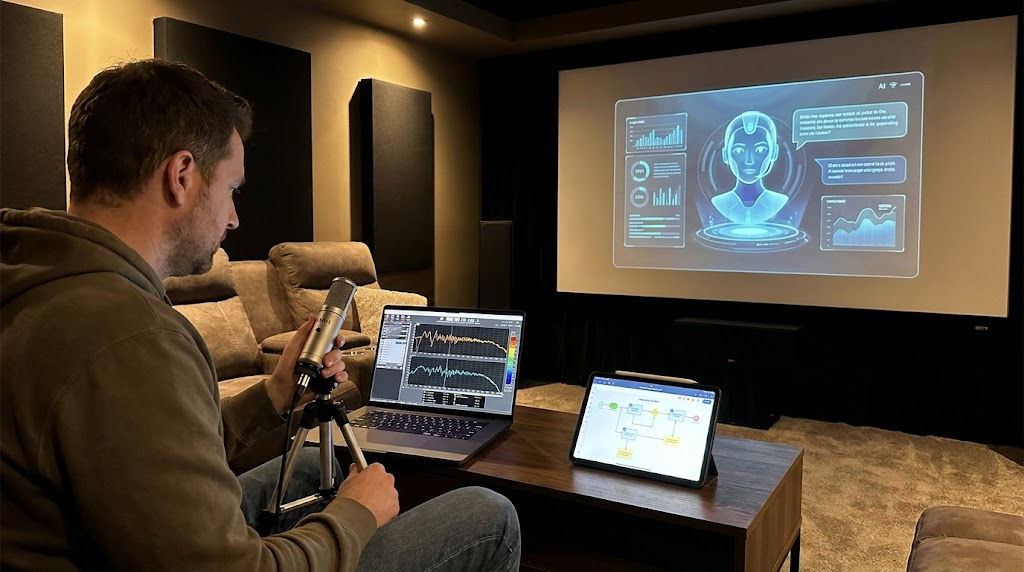
The most effective workflow combines both tools.
Step 1: Measure With REW
Use REW with a calibrated microphone to capture detailed measurements of your room.
Take measurements at the primary listening position and at least a few surrounding positions.
Save the results as an MDAT file.
Step 2: Upload To AudioBro
Upload your MDAT file, measurement screenshots, or room photos to AudioBro.
AudioBro analyses the data and identifies the key issues.
Step 3: Get Prioritised Recommendations
AudioBro tells you:
- What the most important problems are
- What is likely causing each problem
- Which fix will have the greatest audible impact
- What to try first
Step 4: Make Changes
Follow the recommendations. Move speakers. Adjust positioning. Add treatment. Modify crossover settings.
Step 5: Measure Again
Return to REW and take new measurements to verify whether the changes produced the expected improvement.
Step 6: Iterate
Upload the new measurements to AudioBro for re-evaluation. Continue the cycle until you are satisfied with the results.
This measure-interpret-improve-verify cycle is the foundation of effective room optimisation.
When You Only Have One Tool
REW Without AudioBro
Many enthusiasts use REW alone. This works if you have the expertise to interpret measurements yourself.
The challenge is that measurement interpretation is a distinct skill from measurement collection.
Experienced acousticians spend years developing the ability to read measurements accurately.
Common pitfalls for REW-only users include:
- Chasing every visible irregularity instead of prioritising
- Misdiagnosing problems (e.g., assuming a dip needs EQ when it is actually a geometry issue)
- Over-equalising and creating new problems
- Upgrading equipment when the real issue is room-related
- Never verifying whether changes actually improved anything
These are not REW's fault. REW is an excellent measurement tool.
The issue is the gap between measurement and interpretation.
AudioBro Without REW
AudioBro can provide analysis without REW measurements.
Using room dimensions, photos, and equipment information, AudioBro can identify many common issues and provide recommendations.
This is useful for users who:
- Do not yet own a measurement microphone
- Want a quick assessment before investing in measurement equipment
- Need guidance on whether measurement would be worthwhile
- Are setting up a room for the first time
However, measurement-based analysis is always more accurate and detailed.
AudioBro's strongest results come when it has measurement data to work with.
REW vs AudioBro Comparison
| Capability | REW | AudioBro |
|---|---|---|
| Captures measurements | Yes | No |
| Generates frequency response graphs | Yes | No |
| Produces waterfall plots | Yes | No |
| Measures phase response | Yes | No |
| Measures RT60 | Yes | No |
| Measures impulse response | Yes | No |
| Measures distortion | Yes | No |
| Interprets measurements | No | Yes |
| Identifies causes of problems | No | Yes |
| Prioritises issues | No | Yes |
| Provides plain-language explanations | No | Yes |
| Gives actionable recommendations | No | Yes |
| Analyses from photos | No | Yes |
| Analyses from room dimensions | No | Yes |
| Guides optimisation workflow | No | Yes |
| Cost | Free | Freemium |
| Required equipment | Measurement microphone | None (but measurements improve results) |
| Skill level needed | Intermediate to advanced | Beginner to advanced |
Common Misconceptions
"AudioBro replaces REW"
It does not. AudioBro does not capture measurements. If you stop using REW, you lose the ability to generate objective measurement data.
"REW is all I need"
REW provides excellent measurement data. But data alone does not improve your room. You also need to interpret that data and decide what to do about it. Many users struggle with this step.
"I can just use EQ for everything"
EQ can address some problems effectively. However, many room issues (SBIR, room modes at the listening position, phase cancellation) are geometry problems that respond better to placement changes, treatment, or multiple subwoofers.
"My ears are enough"
Subjective evaluation is important. But rooms often behave very differently from what listeners expect. A system that sounds bass-heavy may actually have a large peak caused by the room. A system that sounds thin may be suffering from cancellations. Measurement removes the guesswork.
Who Should Use Which Tool?
Use REW If You:
- Want to measure your room objectively
- Need frequency response, waterfall, or phase data
- Are designing EQ filters
- Want to compare measurements before and after changes
- Enjoy working with technical data
Use AudioBro If You:
- Have measurements but are not sure what they mean
- Want to know which problems to fix first
- Need plain-language explanations of acoustic issues
- Want specific, actionable recommendations
- Do not have a measurement microphone yet
- Want guidance through the optimisation process
Use Both If You:
- Want the most effective room optimisation workflow
- Are serious about improving your room's sound
- Want objective measurement data combined with expert interpretation
The combination of REW and AudioBro provides the most complete approach to room optimisation.
The Bigger Picture
The audio industry has historically focused on measurement tools.
REW, Smaart, EASERA, and other platforms provide excellent measurement capabilities.
What has been missing is accessible interpretation.
Not everyone can afford to hire an acoustic consultant. Not everyone has the experience to read a frequency response graph and immediately understand what is happening.
This is the gap that AudioBro was designed to fill.
Not by replacing measurement.
By making measurement useful for people who are not acousticians.
The best outcomes come from combining objective measurement with intelligent interpretation.
REW provides the measurement.
AudioBro provides the interpretation.
Together, they help you make better decisions about your room.
And better decisions lead to better sound.
Related Reading
- REW Shows You The Problem. AudioBro Explains What To Do About It. — The complete guide to understanding REW measurements and turning data into better sound.
- What Is An MDAT File? The REW Measurement Format Explained — Why MDAT files contain more information than screenshots, and how to use them.
Already have REW measurements?
Upload your MDAT file, REW graphs, or room measurements to AudioBro and get clear guidance on what matters, what can be ignored, and what to fix first.