
Measure, Don't Guess
Start With a Valid Baseline
Use a measurement microphone with a suitable calibration file where required. Set up REW or comparable software with the correct input, output and sample-rate settings. Begin at a safe playback level.
Place the microphone at a repeatable position near ear height. Measure one speaker or subwoofer at a time when you need to understand which channel is contributing to the result. Label each measurement clearly.
Avoid changing the microphone, volume, EQ and speaker positions simultaneously. Otherwise you will not know which change produced a new graph.
Three Useful Views
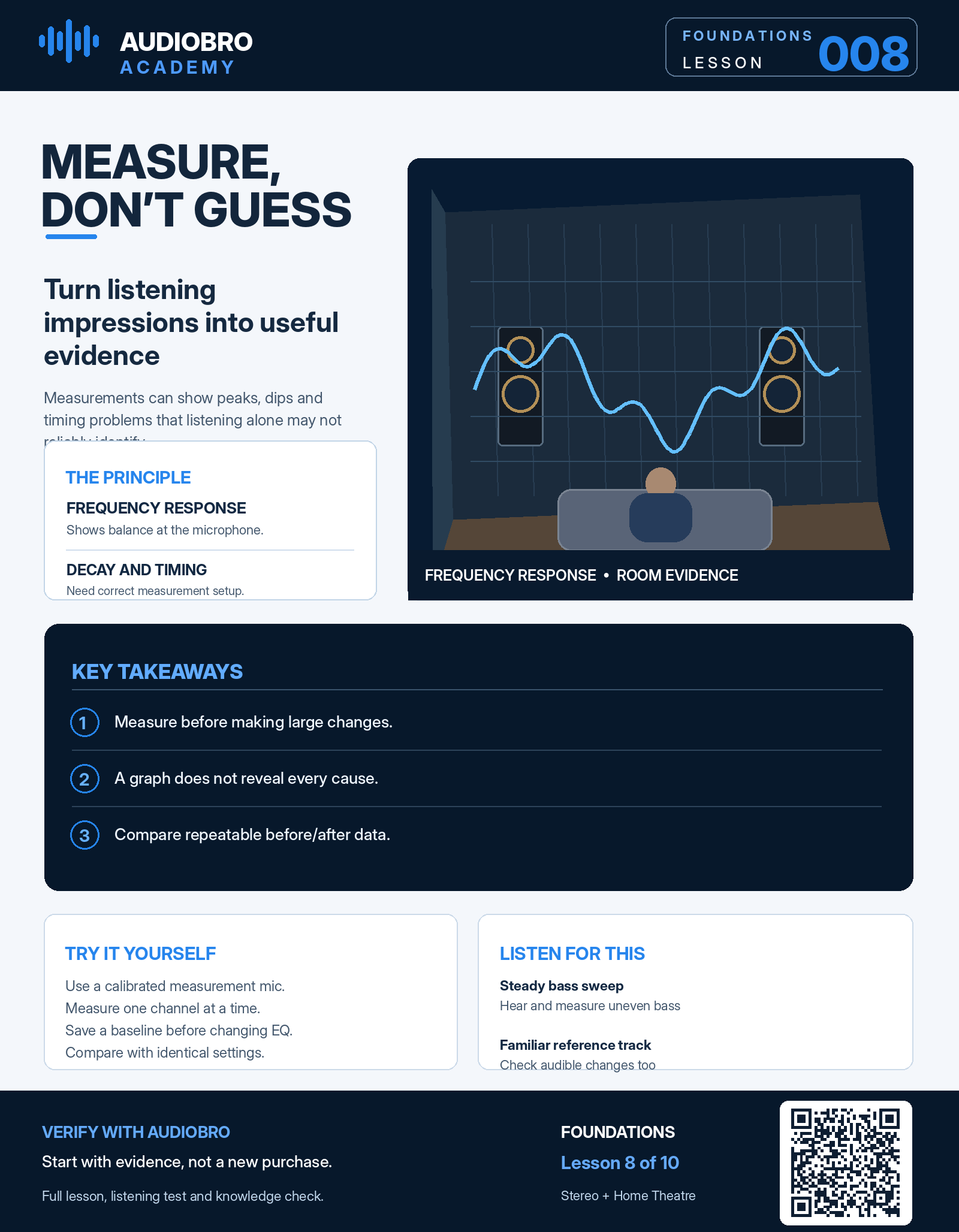
Frequency response shows how sound pressure varies with frequency at the microphone. It can reveal peaks, dips and broad tonal trends.
Decay views, such as waterfalls or spectrograms, can help identify low-frequency energy that persists after the signal stops. They require appropriate time windows, measurement quality and interpretation.
Impulse and timing information can help examine arrivals and alignment. It is easy to misread without a reliable timing reference and understanding of the test setup.
What the Graph Does Not Tell You
A deep dip does not announce its cause. SBIR, room modes, speaker response and placement can all contribute. A microphone at one position also does not describe every seat in the room.
Similarly, an equalised graph is not proof that imaging, dynamics, decay or multiple-seat consistency have improved. Measurement and listening are complementary.
Compare Before and After
Save the unmodified baseline. Make one targeted change, then measure again using the same test settings and microphone position. Compare overlays with consistent scaling.
If the change improves the relevant problem at the listening seats you care about, keep it. If it only makes a single line look smoother while sound quality suffers, rethink the decision.
The Big Idea
Measure the result, investigate the cause, change one variable, then verify again.